Before you read any further
Three facts about who you would be buying from.
If you work in a school office you know this already
Nine systems. One school.
Nine systems. One school.
Nobody sure which one is right.
The register lives in the MIS. Dinner money lives somewhere else. The visitor book is on the desk. Concerns go into a separate portal. Room bookings are a spreadsheet with a colour code only one person understands. Trip consent arrives as replies to an email.
None of it is broken, exactly. It just means that when somebody asks a simple question - who is in the building, has that family paid, did anyone follow that up - the answer takes four applications and a phone call. And every one of those systems keeps its own copy of your people, quietly drifting from the others.
See exactly what ISA Bridge would replace
The moment that proves the platform
Everyone accounted for,
Everyone accounted for,
on every phone, in minutes.
The alarm goes at 11:40. The teacher on the field needs their group. The office needs to know who is unaccounted for. Nobody wants to be the one who forgot the contractor on the roof. The fire doors need to release. And the whole thing depends on a list that was accurate at ten to nine this morning.
Every phone becomes a register
A teacher picks their group and taps each child in front of them. Two taps each, posted immediately. Anyone marked absent this morning is already accounted for, so the missing list starts short and means something.
Location, not just presence
Staff report block, floor and room, or during an assembly call, which muster point. Instructions can differ by part of the building, so the science block is told something different from the sports hall.
The doors release themselves
The fire panel connection is read on site, so the controller drives the doors open without waiting for the internet. A strongroom can be set never to release. This has fired for real, twice, on a live school site.
One screen, three lists
Present and reported, broken down by block. Unaccounted for, by name, including visitors and contractors who signed in and have not signed out. Off site, with a class group for each pupil and a mobile number for each member of staff, so somebody can start ringing.
DfE estate guidance says access control should be overridden by the fire alarm so people can evacuate, and the Terrorism (Protection of Premises) Act 2025 places education settings in the standard tier regardless of capacity, expecting documented evacuation, invacuation, lockdown and communication procedures. This is the part of ISA Bridge built to that shape. See how the roll call works
What is in it
Run the whole school day
Run the whole school day
from one platform.
Take one, or take most of them. Almost every school starts with a single pressure point and extends once it has landed.
01
ISA Safeguard
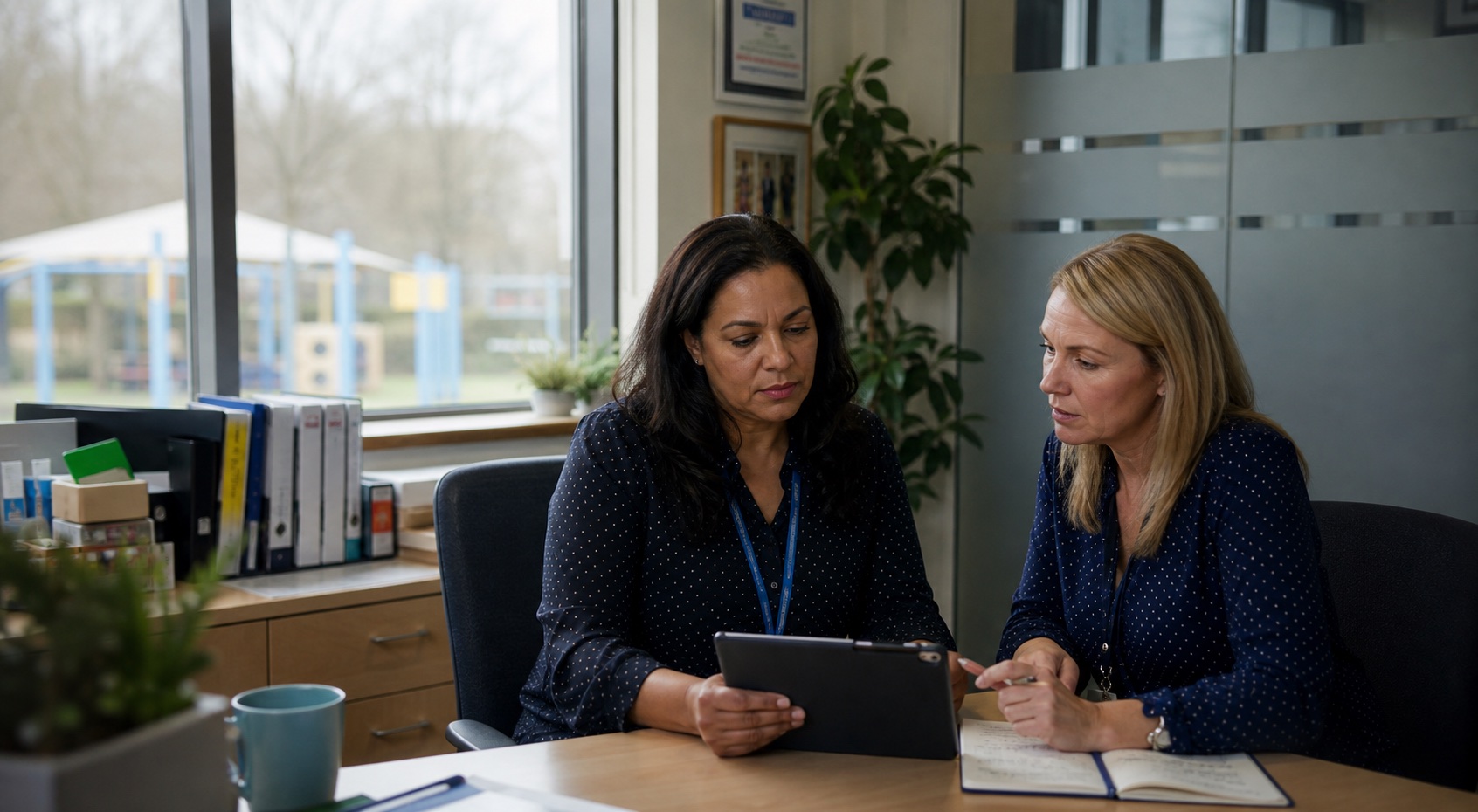
Report a concern in two minutes. Hold a record that proves itself.
Reporting takes two minutes from a phone and needs no permissions at all, so a lunchtime supervisor can do it. The DSL gets a queue with six lanes instead of an inbox. And every version of the record is cryptographically chained, so if something had been altered outside the system, a check on screen would show you which row.
How ISA Safeguard works02

Family app
Everything parents need. Far fewer calls to the office.
Absence before eight, messages that route to the right member of staff, meals, the wallet, and a trip letter that carries its consent and its payment as one item instead of three systems.
See the family app03
ISA Entry
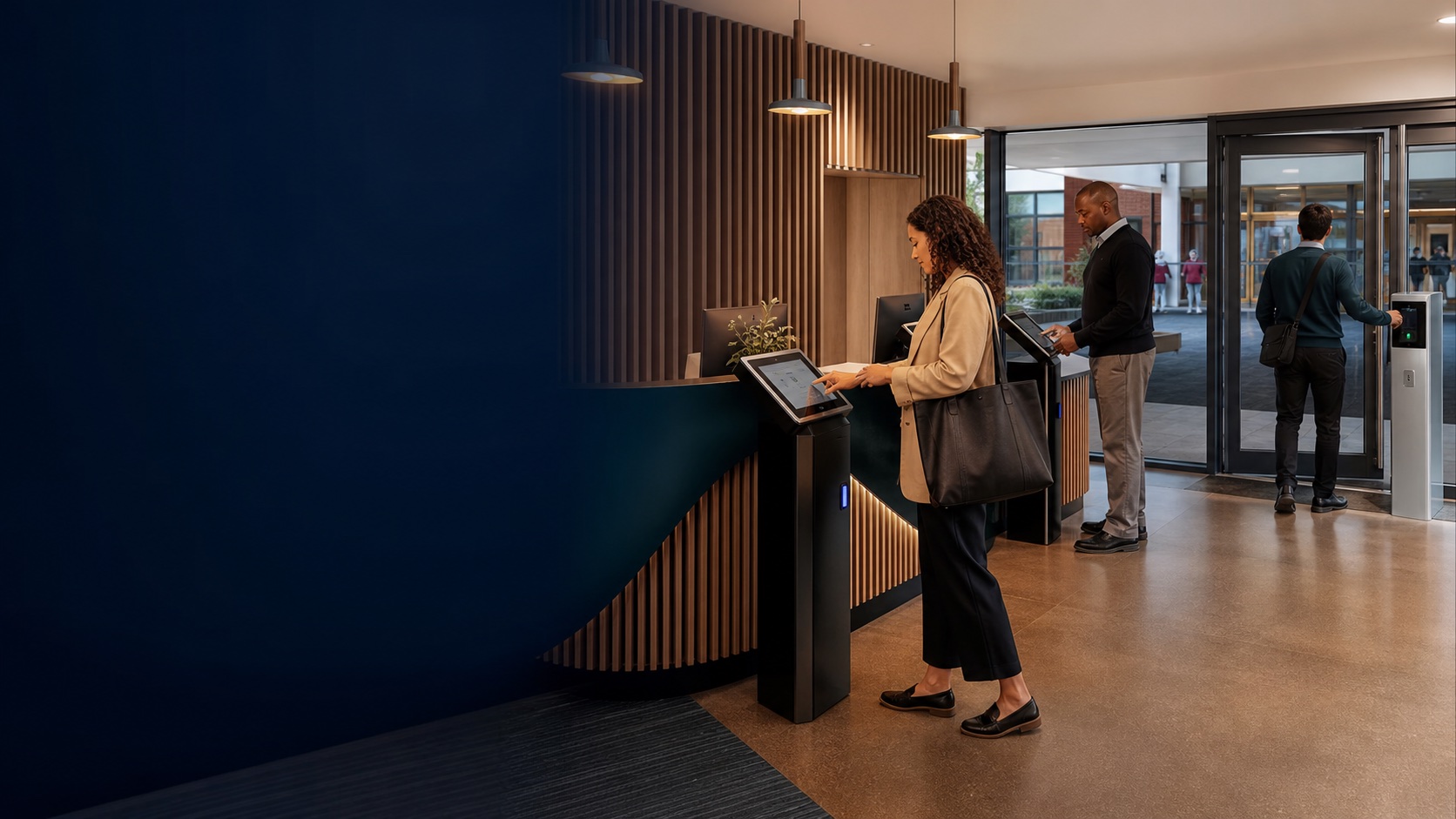
One system from the front gate to the fire drill.
Visitor terminals, staff sign-out, card, PIN and fingerprint readers, and the roll call. A leaver stops being able to open a door in the same act that removes them everywhere else.
Explore ISA Entry04

Attendance
See the absence pattern first. Act before it sets in.
Registration windows that will not let a tutor forget, letters that go out at your thresholds once per pupil per year, and the point where absence becomes a safeguarding concern with an owner rather than a note.
See attendance05
Meals, money and the shop
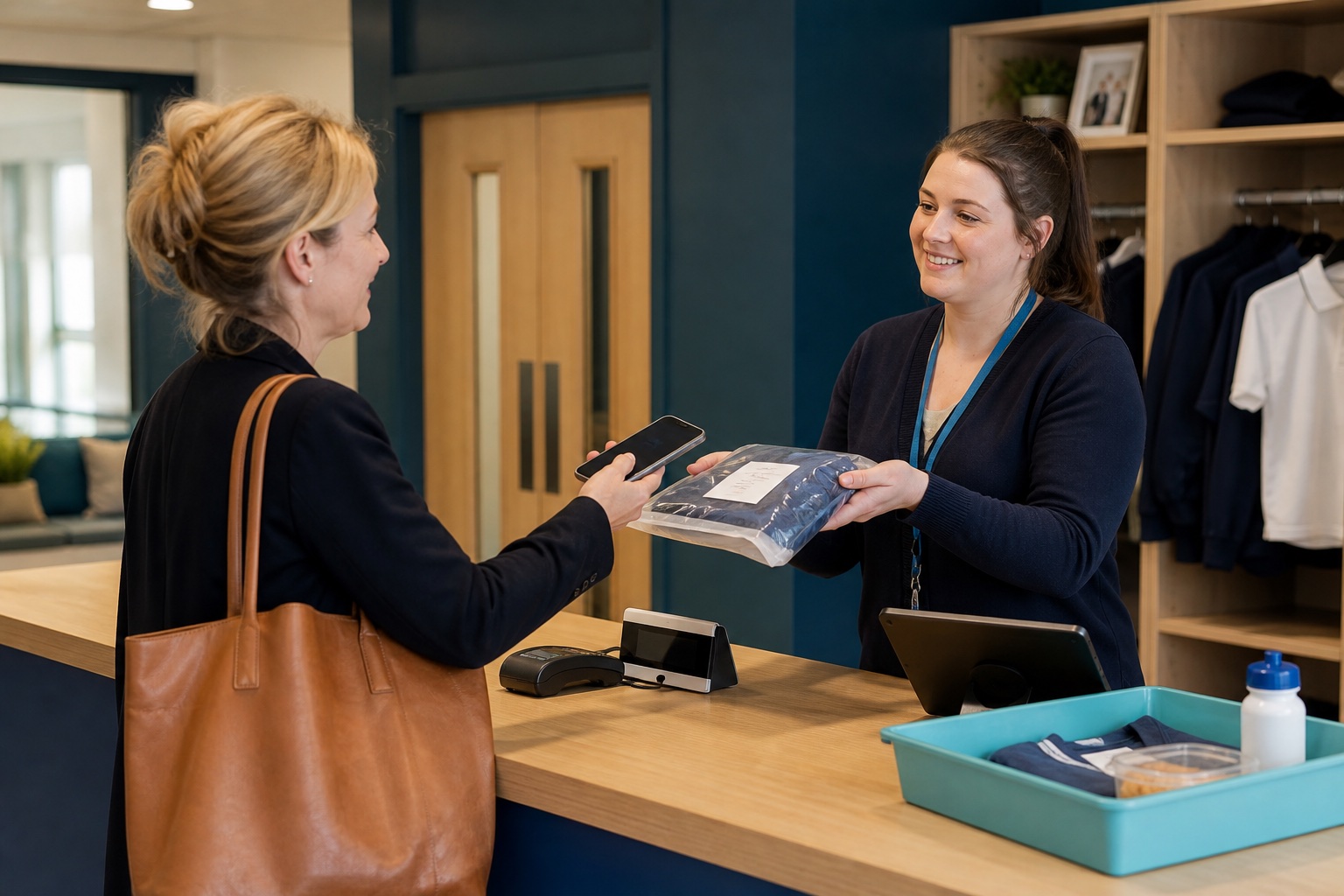
Dinner money that reconciles itself.
Mark a child absent and their paid meal is cancelled and refunded. Free-meal entitlement arrives from your MIS with its dates and applies itself. And the month closes on one screen with gross, fee and net.
Meals and payments06

Rooms and equipment
Rooms, minibuses and Chromebooks, booked without the battles.
Booking that knows your teaching timetable, so it will not offer a room with a lesson in it. A waiting list that fills a cancellation on its own. And loans issued by scanning either the pupil or the kit.
Facilities and loans07

Workflow
Approvals done in days, not lost in inboxes.
Draw the route as a map, give every stage its own form and its own owner, let an approver decide from inside the email, and stop the trip leader approving their own trip. Then look at where it actually stopped.
See Workflow08
Ask Your Data
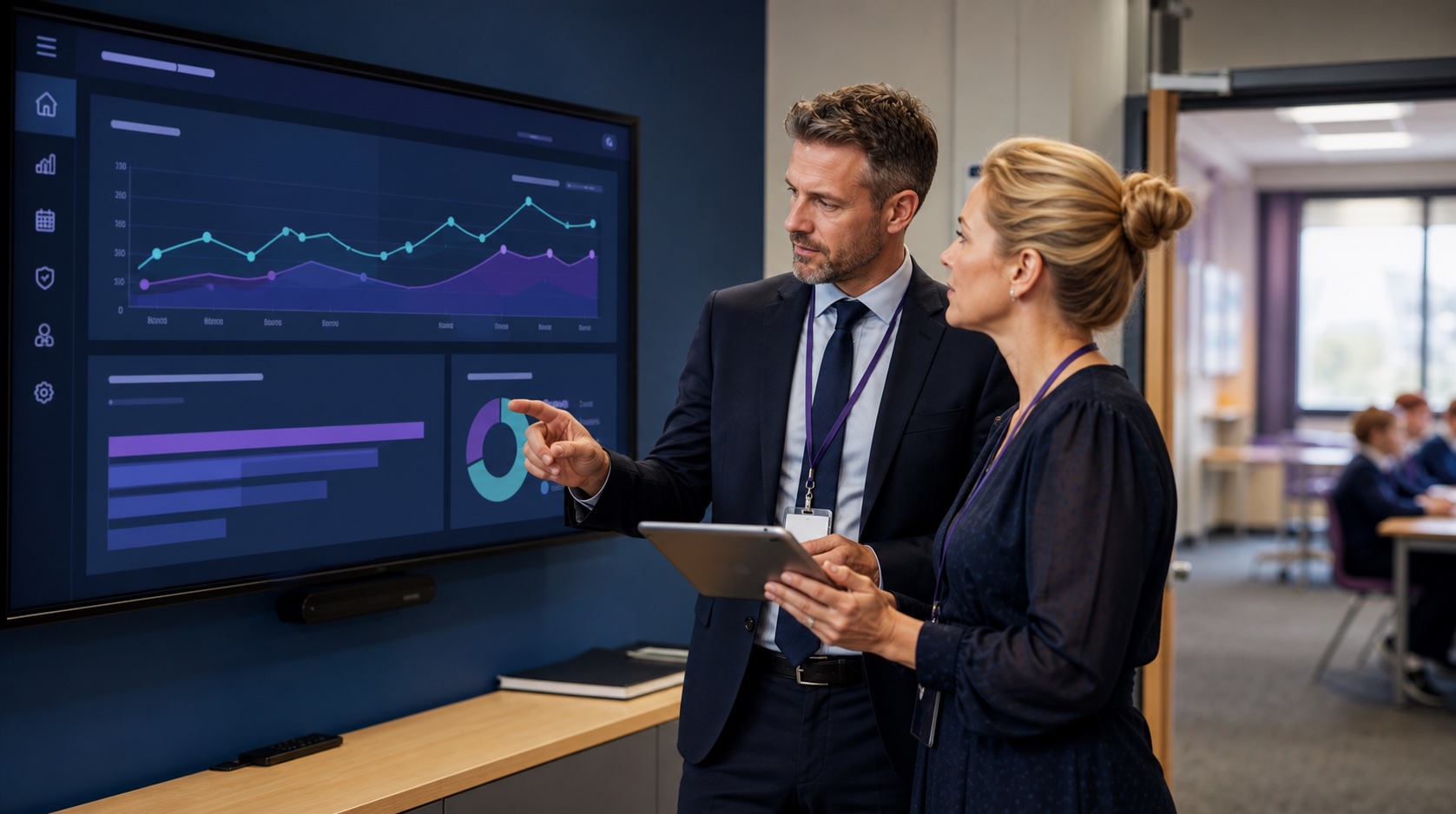
Ask your data anything. Get the evidence back.
A question about your own school, answered with the table it came from and a chart you can export. It runs read-only by construction, and safeguarding and medical records are not restricted from it; they are absent from it.
See Ask Your Data09
Data, identity and permissions
One directory, one login, total control of access.
People arrive from your MIS once. Staff sign in with Microsoft or Google. Two-step sign-in can be required of anyone holding a given permission. And your access review takes two people, by design.
The foundation
Why schools are looking at this now
The schools moving first
The schools moving first
will feel it least.
Three documented pressures, all in the public record, and all on a school leader’s desk this term. One platform answers all three at once.
01
Attendance stopped being a target
Schools share attendance data daily, and are expected to use it to identify patterns and work with families early. In the autumn term of 2025/26 overall absence, persistent absence and severe absence all rose year on year, and severe absence now runs at around two and a half times its pre-pandemic level. The register is not the problem. The distance between a register and somebody acting is.
02
Inspection now asks what you did
Keeping Children Safe in Education asks for a clear summary of the concern, how it was followed up, and the action taken and outcome reached. Under the current inspection arrangements safeguarding is judged met or not met, and record-keeping is named explicitly in both criteria. A record that stops at the concern is the recognised failure.
03
Every renewal is now a question
With staff costs above three quarters of income for most trusts and reserves forecast to fall, each operational contract has to justify itself. Reducing eight of them is a saving a business manager can put in front of governors without touching staffing. And for academy trusts, management information system contracts have to align with the DfE framework by September 2027, which forces the conversation anyway.
Not another big suite
The people who build it
The people who build it
answer the phone.
ISA Bridge is built and run by a focused UK team, and that changes what working with us feels like from the first week.
- A proven engine underneath. ISA Bridge runs on a platform that has powered whole school operations in production for years: registers, approvals, bookings, catering and parent services.
- You talk to the people who write it. No first-line queue and no ticket triage. The person who can fix something is usually in the conversation.
- Changes land in days, not release cycles. When your school needs something adjusted, it goes to the people who build the platform, and it ships when it is ready rather than waiting for a quarterly release.
- Your school is not a row in a shared table. Your own instance, your own database, your own key, hosted in the UK.
What switching actually involves
September is a go-live date.
September is a go-live date.
Not a start date.
A module with no hardware in it is usually a matter of weeks. Anything touching your building starts with a survey. We would rather tell you that in February than in July.
Read the implementation page- 01Scope
One pressure point, the people it involves and the exceptions that matter. Ends with something you can take to governors.
- 02Connect and configure
Your instance, your data, your roles, your thresholds, your letters. This is where a platform either fits your school or fights it.
- 03Rehearse
Run your real cases, including the awkward ones. Train the people who use it daily. You make the launch decision, not us.
- 04Live, then review
We stay close, then look at what is being used and what is being avoided. Something being avoided is information, not failure.
CommercialsAnnual or three-year.
Annual or three-year.
Priced around your scope.
A price per pupil would either overcharge the school taking two modules or undercharge the trust taking twelve with hardware. We quote against the scope we agree with you, itemised so you can remove any of it.
Keep your options open
Suits a school establishing the platform with one or two modules and reviewing priorities each year.
- Scope agreed before quotation
- Guided implementation
- Support from the people who build it
For a phased programme
Suits a hardware rollout, a multi-module plan or a trust standardising across schools, where the work spans more than one budget year.
- Phased scope, itemised
- Site survey before any hardware commitment
- Scheduled reviews
The hard questions
Ask us these
Ask us these
before the demo.
These are the questions schools actually ask us. If yours is not here, send it and we will answer it in writing.
[email protected]Does this replace our MIS?
No, and we would be suspicious of anyone who said yes. Your MIS stays the system of record for pupils, staff, marks and census. ISA Bridge does the operational work around it and reads the people from it.
We already use CPOMS, ParentPay and InVentry. What would we actually switch off?
Then you are the school we are built for, because you are paying for three contracts to do jobs that should share one people list. Which of the three we would genuinely improve on depends on how you use them, and we will tell you straight rather than claim all three. The what it replaces page sets out the full picture.
Where is our data held?
In the United Kingdom. Your school gets its own instance and its own database, with role-based access and audit logging, and the sub-processors and data-processing terms are set out in writing before anything goes live. See the security page.
How do we get our data out if we ever leave?
In open formats, on terms written into the contract before you sign: the export, the notice period and the deletion timetable. Your data stays yours from the first day to the last, and we will send you the exit terms at the first meeting.
Do we have to take all of it?
No, and we would advise against it. Most schools start with one pressure point. The most common first steps are the front door, safeguarding, or the family app.
Do we have to use fingerprint readers?
No. Biometrics are optional and cards or PINs are always available. Where a school does use biometrics with pupils, UK law requires notice to each parent, the written consent of at least one, and gives the pupil an effective veto with a reasonable alternative. We help you design that process; the product does not manage it for you.
Is ISA Entry sold separately?
ISA Entry is the hardware add-on to ISA Bridge: the terminals, the door readers and the roll call, licensed separately and scoped after a site survey. It runs on the same platform, the same people and the same permissions, which is precisely what makes the leaver, the register and the roll call work as one thing.
How long does implementation take?
Weeks for a module with no hardware in it. Anything involving doors, terminals or a fire panel starts with a site survey and is commissioned, so it needs longer and it needs your fire alarm contractor involved. We will not agree a go-live date on a hardware project before a survey.
Is there a price list?
No, because the platform is modular and a per-pupil figure would misprice most schools. Annual and three-year options are available and the proposal itemises each part so you can remove any of it.
Book a demo
Bring us the thing
Bring us the thing
that annoys you most.
Not a feature list. A specific Tuesday-morning problem: the reception queue, the absence chase, the trip approval that took five weeks, the fire drill. We will show you that, and give you a straight answer on fit.
No product marathonForty-five minutes on your problem, with the people who build the thing. You leave with a clear next step either way.